AWS EKS vs. Azure AKS: A Guide to Kubernetes Migration
Compare AWS EKS and Azure AKS to make the right Kubernetes migration choice. This complete guide covers features, pricing, performance, and real migration strategies. Learn which platform fits your needs and get step-by-step guidance for a smooth transition between cloud providers.
Choosing between AWS EKS and Azure AKS for your Kubernetes migration isn't just about picking a managed service, it's about choosing the foundation for your entire container strategy. We've migrated dozens of workloads across both platforms, and the decision comes down to more than just features on paper.
Both EKS and AKS handle the heavy lifting of Kubernetes management, but they take fundamentally different approaches. EKS keeps things straightforward with deep AWS integration, while AKS throws in more customization options and enterprise features. The real question isn't which one's better, it's which one fits your specific migration needs and existing infrastructure.
Let's break down what really matters when you're planning your Kubernetes migration. We'll cover the operational differences that impact your daily workflow, the hidden costs that catch teams off guard, and the migration strategies that actually work in practice.
Quick Comparison Overview
Here's the essential breakdown before we dive deep:
| Aspect | AWS EKS | Azure AKS |
|---|---|---|
| Best For | AWS-native environments, cost optimization | Microsoft ecosystem, enterprise features |
| Setup Complexity | Simple single-command deployment | More customization, requires additional configuration |
| Pricing Model | Pay-per-cluster + compute resources | Free control plane + worker node costs |
| Integration Strength | Deep AWS service integration | Active Directory and Azure services |
| Availability SLA | 99.95% for API servers | 99.9% standard, up to 99.99% premium |
| Target Audience | Startups to enterprises on AWS | Enterprise teams with Microsoft infrastructure |
Both platforms eliminate the operational overhead of managing Kubernetes masters, but their approaches to everything else, from security to scaling, differ significantly.
AWS EKS: The AWS-Native Approach
Overview and Positioning
EKS positions itself as the natural choice for teams already invested in the AWS ecosystem. Amazon built EKS to feel like a native AWS service first, Kubernetes service second. This shows in everything from the pricing model to how it handles security and networking.
The platform targets everyone from startups running their first container workloads to enterprises managing thousands of microservices. What makes EKS stand out is how it leverages existing AWS services - IAM for security, VPC for networking, and CloudWatch for monitoring - instead of reinventing these capabilities.
Key Features and Capabilities
AWS Service Integration: EKS doesn't just connect to AWS services; it's designed around them. IAM Roles for Service Accounts (IRSA) lets you assign specific AWS permissions to individual pods without exposing credentials. This means your application pods can access S3 buckets or RDS databases with the exact permissions they need, nothing more.
Security and Compliance: The security model builds on AWS's foundation. You get configurable IP address ranges, role-based access control that ties into IAM, and compliance certifications including HIPAA, ISO, PCI DSS, and SOC. The cluster endpoints can be public, private, or both, giving you flexibility in how applications and developers access your clusters.
Cost Optimization Tools: EKS works with AWS's full suite of cost-saving options. Graviton processors offer up to 40% better price performance, Spot instances can cut compute costs by up to 90%, and Savings Plans provide predictable pricing for steady workloads. We've seen teams reduce their Kubernetes costs by 50% just by mixing these options strategically.
Strengths and Ideal Use Cases
EKS excels when you’re already committed to AWS. The single-command cluster creation really does work, giving you a production-ready cluster in about 15 minutes. Deep AWS integration means less glue code between your applications and cloud services.
Perfect for: Teams migrating from EC2 to containers, applications that heavily use AWS services, organizations prioritizing cost optimization, and environments where simplicity trumps customization.
The platform handles updates gracefully. Kubernetes version upgrades happen with minimal downtime, and the managed node groups automatically handle worker node updates and patching.
Limitations and Considerations
Limited Customization: The simplicity comes at a cost. You can't customize the control plane configuration, and some advanced Kubernetes features require workarounds. Teams used to fine-tuning every aspect of their Kubernetes setup might feel constrained.
Documentation Gaps: While AWS documentation is generally solid, EKS-specific guidance sometimes assumes you're already an AWS expert. We've found teams struggle with networking configurations and IAM role setup without additional resources.
Add-on Complexity: Essential components like the AWS Load Balancer Controller, EBS CSI driver, and cluster autoscaler are separate add-ons. Setting these up correctly requires understanding multiple AWS services and their interactions.
Pricing Structure
EKS charges $0.10 per hour for each cluster ($73 per month), plus the cost of worker nodes. The real costs come from the EC2 instances, storage, and data transfer. Here's where the cost optimization tools make a difference:
- Spot Instances: 60-90% savings on compute costs
- Savings Plans: 20-50% savings with 1-3 year commitments
- Graviton Processors: 20-40% better price performance
- Right-sizing: Automated recommendations for optimal instance types
A typical production setup with 10 nodes might cost $500-1,500 monthly, depending on instance types and optimization strategies.
Getting Started Approach
The tool makes cluster creation straightforward, but real-world deployments need more planning. Start with a development cluster to understand the networking requirements, then design your production architecture around your specific AWS services integration needs.
Most teams underestimate the IAM complexity. Plan your roles and policies before creating clusters, and consider using AWS's managed policies as starting points rather than building everything from scratch.
Azure AKS: The Enterprise-First Platform
Overview and Positioning
AKS takes a different approach, it's built for enterprises that need extensive customization and integration with Microsoft's ecosystem. Where EKS prioritizes simplicity, AKS focuses on giving you every possible configuration option and enterprise feature.
Microsoft positions AKS as the container platform for organizations already invested in Azure and Microsoft technologies. The integration with Active Directory, Azure DevOps, and other Microsoft services runs deeper than typical API connections.
Key Features and Capabilities
Enterprise Integration: AKS's Active Directory integration isn't just authentication, it's full identity management. Users and groups from your existing AD setup get mapped directly to Kubernetes RBAC. This means your existing security policies and user management workflows carry over to your container environment.
Advanced Monitoring and Observability: Azure Monitor for containers provides deeper insights than basic metrics. You get application-level tracing, custom dashboards, and integration with Azure's full observability stack. The monitoring data feeds directly into Azure's machine learning services for predictive scaling and anomaly detection.
Multi-cluster Management: Azure Arc extends AKS management to on-premises and other cloud environments. You can manage Kubernetes clusters running anywhere from a single Azure console, with consistent policy enforcement and monitoring across all environments.
Strengths and Ideal Use Cases
Customization Flexibility: AKS gives you control over networking, security policies, and cluster configuration that EKS simply doesn't offer. You can customize everything from the container runtime to the network plugin, making it suitable for specialized workloads and compliance requirements.
Perfect for: Large enterprises with existing Microsoft infrastructure, teams requiring extensive customization, organizations with complex compliance needs, and environments where multiple cloud or hybrid deployments are necessary.
The premium tier offers impressive availability guarantees, up to 99.99% uptime with availability zones. For mission-critical workloads, this can justify the additional cost.
Limitations and Considerations
Complexity Overhead: The extensive customization options come with a learning curve. Setting up AKS properly requires understanding Azure networking, security groups, and identity management concepts beyond basic Kubernetes knowledge.
Cost Escalation: While the control plane is free, the feature-rich environment and premium options can get expensive quickly. Teams often find their costs higher than expected when they start adding monitoring, security, and high-availability features.
Support Consistency: User feedback on Azure support varies significantly. Some teams report excellent enterprise support, while others struggle with inconsistent response times and resolution quality.
Pricing Structure
AKS offers a free control plane, but charges apply for worker nodes and additional services. The tiered pricing model includes:
- Standard Tier: Free control plane, 99.9% SLA
- Premium Tier: Enhanced SLA up to 99.99%, advanced features
- Worker Nodes: Standard Azure VM pricing
- Add-on Services: Monitoring, security, and compliance features
A comparable production setup might cost $600-2,000 monthly, with the higher end reflecting premium features and enhanced support.
Getting Started Approach
AKS requires more upfront planning than EKS. Start by mapping your existing Azure resources and identity management setup. The additional configuration steps, setting up the web console, configuring worker nodes, and integrating with Azure services, take longer but provide more control over the final environment.
Head-to-Head Feature Comparison
Let's compare the features that matter most for migration decisions:
| Feature | AWS EKS | Azure AKS |
|---|---|---|
| Cluster Setup | Single-command deployment | Multiple configuration steps |
| Integration | Deep AWS service integration | Microsoft ecosystem integration |
| Security | IAM-based, configurable IPs | Active Directory integration |
| Monitoring | CloudWatch integration | Azure Monitor with ML insights |
| Cost Optimization | Spot, Savings Plans, Graviton | Standard Azure pricing models |
| Customization | Limited control plane options | Extensive customization available |
| Multi-cloud Support | AWS-focused | Azure Arc for hybrid/multi-cloud |
| Availability SLA | 99.95% | 99.9% standard, 99.99% premium |
Performance and Scalability: Both platforms handle scaling well, but with different approaches. EKS relies on AWS's proven auto-scaling capabilities, while AKS offers more granular control over scaling policies and triggers.
Learning Curve: EKS is easier to start with if you know AWS, but AKS provides more advanced capabilities once you master the additional complexity.
Vendor Lock-in: EKS ties you more tightly to AWS services, while AKS offers more flexibility for hybrid and multi-cloud scenarios through Azure Arc.
Use Case Scenarios
Choose AWS EKS When:
You're Already on AWS: If your applications already use RDS, S3, or other AWS services, EKS makes integration seamless. The IAM roles and VPC networking just work without additional configuration.
Cost Optimization is Critical: Teams that need to minimize infrastructure costs benefit from EKS's integration with AWS cost-saving features. We've seen 40-60% cost reductions compared to self-managed Kubernetes.
Simplicity Matters: Smaller teams or those new to Kubernetes appreciate EKS's straightforward approach. Less configuration means fewer things to break and maintain.
Fast Time-to-Market: Projects with tight deadlines benefit from EKS's quick setup and proven AWS integration patterns.
Choose Azure AKS When:
You're Microsoft-Focused: Organizations using Office 365, Azure DevOps, or other Microsoft services get significant value from AKS's deep integration with the Microsoft ecosystem.
Enterprise Features Are Essential: Large organizations requiring advanced monitoring, compliance features, and enterprise-grade support should consider AKS's premium offerings.
Hybrid/Multi-cloud Strategy: Teams planning to run Kubernetes across multiple environments benefit from Azure Arc's unified management capabilities.
Customization Requirements: Applications with specific networking, security, or compliance requirements need AKS's extensive customization options.
Migration and Implementation Strategies
EKS to AKS Migration
Complexity Level: High, due to fundamental differences in service integration and security models.
Key Challenges:
- Replacing AWS-specific services (S3, RDS, IAM) with Azure equivalents
- Reconfiguring networking and security policies
- Migrating monitoring and logging configurations
- Updating CI/CD pipelines and deployment scripts
Timeline: 3-6 months for complex applications, considering testing and validation phases.
Strategy: Plan for a parallel migration approach. Set up AKS clusters alongside existing EKS deployments, migrate applications incrementally, and validate each component before switching traffic.
AKS to EKS Migration
Complexity Level: High, with similar challenges in reverse.
Key Challenges:
- Simplifying complex AKS configurations to fit EKS's model
- Replacing Azure-specific integrations
- Adapting to AWS's IAM-based security model
- Reconfiguring monitoring and observability
Timeline: 2-4 months, potentially faster due to EKS's simpler configuration model.
Strategy: Focus on identifying which AKS customizations are truly necessary. Many complex configurations can be simplified when moving to EKS's more opinionated approach.
Cross-Platform Migration Best Practices
Infrastructure as Code: Use Terraform or similar tools to define both environments. This makes configuration differences explicit and helps identify migration requirements.
Container Registry Strategy: Plan your image migration early. Both platforms support standard container registries, but authentication and access patterns differ.
Data Migration: Persistent volumes and stateful applications require careful planning. Consider using cloud-native databases and storage services to minimize data migration complexity.
Testing Strategy: Implement comprehensive testing in the target environment. Load testing, security validation, and disaster recovery testing are essential before production cutover.
Decision Framework
Here's how to evaluate which platform fits your specific needs:
Technical Assessment Questions
Current Infrastructure: What cloud services do you already use? Teams with significant AWS investments should lean toward EKS, while Microsoft-focused organizations benefit from AKS.
Customization Requirements: Do you need extensive control over networking, security policies, or cluster configuration? AKS provides more options, while EKS offers simplicity.
Integration Complexity: How many external services does your application use? EKS excels with AWS services, AKS with Microsoft ecosystem integration.
Compliance Requirements: Do you need specific security certifications or audit capabilities? Both platforms offer compliance features, but with different approaches and coverage.
Team and Organizational Factors
Skill Sets: Does your team have more AWS or Azure experience? The learning curve is significant for either platform if you're starting from scratch.
Support Requirements: Do you need enterprise-level support with guaranteed response times? AKS offers more comprehensive support options, while EKS relies on AWS's standard support model.
Budget Constraints: Are you optimizing for lowest cost or willing to pay for premium features? EKS generally offers lower baseline costs, while AKS provides more premium options.
Migration-Specific Considerations
Timeline Pressure: EKS typically offers faster initial deployment, while AKS provides more thorough configuration options that take longer to implement properly.
Risk Tolerance: EKS's simpler model reduces configuration risks, while AKS's flexibility can introduce complexity-related issues if not managed carefully.
Long-term Strategy: Consider where your organization is heading. If you're planning multi-cloud or hybrid deployments, AKS with Azure Arc might be worth the additional complexity.
Conclusion and Recommendations
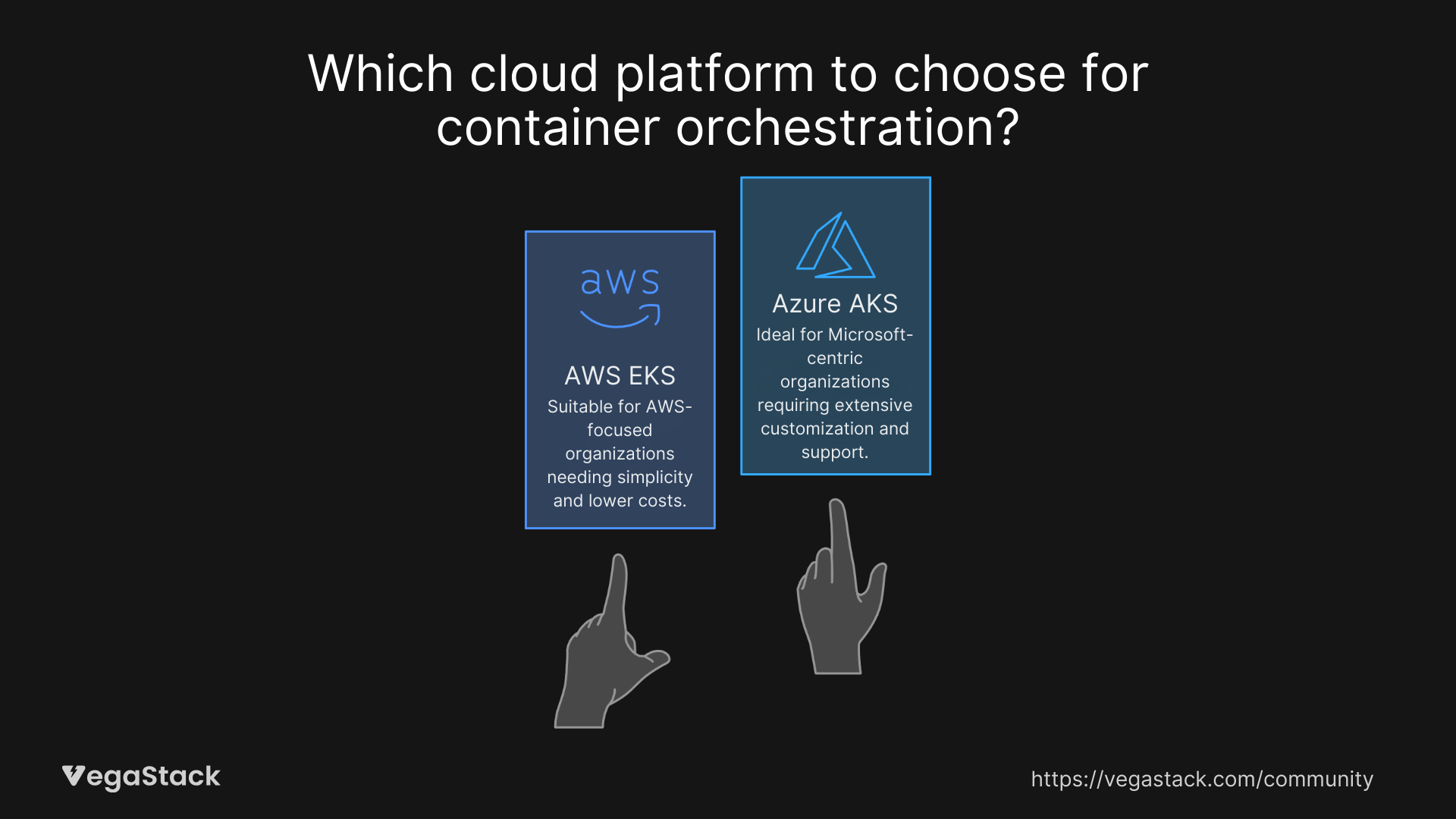
The choice between AWS EKS and Azure AKS comes down to your specific situation, not abstract feature comparisons. EKS wins for teams prioritizing simplicity, cost optimization, and AWS integration. AKS takes the lead for enterprises requiring extensive customization, Microsoft ecosystem integration, and advanced features.
Go with EKS if: You're already on AWS, need fast deployment, prioritize cost optimization, or prefer simplicity over customization. The platform's strength lies in making Kubernetes feel like a natural extension of AWS.
Choose AKS if: You're invested in Microsoft technologies, need enterprise features, require extensive customization, or plan hybrid/multi-cloud deployments. The additional complexity pays off when you need the advanced capabilities.
For Migration Projects: Consider your existing infrastructure, team expertise, and long-term strategy. Both platforms handle Kubernetes well, but the surrounding ecosystem and operational model matter more than the Kubernetes features themselves.
The reality is that both EKS and AKS will run your containers reliably. The decision comes down to which platform's operational model, pricing structure, and ecosystem integration align better with your organization's needs and existing investments.
Start with a pilot project on your preferred platform. The hands-on experience will tell you more about the operational differences than any comparison chart. Both platforms offer enough capability to handle enterprise workloads, the question is which one fits your team's workflow and your organization's technology strategy.