Backstage vs. Port: Complete Developer Portal Comparison
Compare Backstage and Port to choose the right developer portal for your organization. This complete guide covers features, customization options, integrations, and deployment approaches. Learn which platform fits your team's needs and get insights for building effective developer experiences.

Choosing the right developer portal platform can make or break your internal developer experience. We've spent months testing both Backstage and Port across different team sizes and use cases. Here's what we discovered about these two leading internal developer platform solutions.
The developer portal market has exploded in 2025, with teams realizing that scattered tools and documentation kill productivity. Backstage brings open-source flexibility backed by Spotify's engineering culture, while Port offers a no-code approach that gets teams up and running in minutes.
This comparison covers everything that matters: service catalog capabilities, developer experience design, pricing structures, and most importantly, how teams actually adopt these platforms. We'll break down which tool fits different organizational needs and help you avoid the common pitfalls we've seen teams encounter.
Quick Comparison Overview
| Feature | Backstage | Port |
|---|---|---|
| Deployment Model | Open-source, self-hosted | SaaS-based |
| Setup Time | Weeks to months | Minutes to hours |
| Primary Strength | Deep customization | Rapid deployment |
| Target Audience | Developer-centric teams | Platform engineering teams |
| Pricing Model | Free (hosting costs apply) | Usage-based SaaS |
| Learning Curve | Steep for non-developers | Minimal |
| Best For | Large engineering orgs | Teams needing quick wins |
The fundamental difference comes down to control versus convenience. Backstage gives you complete control over your developer experience at the cost of complexity. Port trades some flexibility for speed and ease of management.
Both platforms handle the core developer portal needs, service catalogs, documentation, and self-service workflows. The real question is whether your team values customization depth or implementation speed more.
Backstage: The Open-Source Powerhouse
Backstage emerged from Spotify's internal tooling and became the gold standard for developer portals. The platform treats everything as code, which resonates with engineering teams who want to customize every aspect of their developer experience.
Core Strengths and Capabilities
The service catalog sits at Backstage's heart, providing a centralized view of all software components, APIs, and infrastructure. What makes it powerful is the metadata flexibility, you can track literally anything about your services through custom fields and relationships.
The plugin ecosystem is where Backstage truly shines. We've integrated monitoring tools, CI/CD pipelines, and security scanners directly into the platform. The tech docs feature deserves special mention - it renders markdown documentation alongside your service catalog, keeping everything in one place.
Software templates automate service creation with built-in best practices. Teams can spin up new services with proper CI/CD, monitoring, and documentation already configured. This standardization reduces onboarding time from days to hours.
Implementation Reality
Setting up Backstage requires serious technical investment. You'll need dedicated engineers to configure, customize, and maintain the platform. We've seen teams spend 2-3 months getting their first production deployment stable.
The learning curve hits non-technical users hard. While developers love the flexibility, product managers and other stakeholders often struggle with the interface complexity. Documentation quality varies significantly across plugins, making troubleshooting challenging.
Pricing and Hidden Costs
Backstage itself is free, but the total cost of ownership tells a different story. You'll pay for hosting infrastructure, dedicated engineering time, and ongoing maintenance. We estimate $50,000-$100,000 annually for a mid-size team when factoring in engineer time and cloud costs.
The real expense comes from customization work. Every integration, custom plugin, or UI modification requires development resources. Teams often underestimate this ongoing investment when evaluating Backstage.
Port: The No-Code Alternative
Port takes a fundamentally different approach, offering a SaaS platform that platform engineers can configure without writing code. The company built Port specifically for teams who want developer portal benefits without the engineering overhead.
Core Strengths and Capabilities
Port's service catalog emphasizes live data integration and real-time visibility. The platform automatically discovers and inventories Kubernetes resources, cloud infrastructure, and application components. This dynamic approach means your catalog stays current without manual maintenance.
Scorecards represent Port's standout feature, customizable quality gates that track service health, security compliance, and operational metrics. Teams can define standards and automatically measure compliance across all services.
Self-service actions let developers trigger workflows directly from the portal. Need to deploy a service, scale infrastructure, or run database migrations? Port can integrate with your existing tools and present these actions through a clean interface.
Implementation Reality
Port's setup process impressed us. New teams can have a functional portal running within an hour. The no-code configuration means platform engineers can build workflows and customize the interface without involving developers.
The learning curve is minimal for most users. The interface feels familiar to anyone who's used modern SaaS applications. Documentation is comprehensive and the support team provides hands-on help during onboarding.
Pricing Structure
Port uses transparent usage-based pricing starting around $20 per developer per month. Enterprise features and higher usage tiers increase costs, but you'll know exactly what you're paying upfront. No hidden infrastructure costs or surprise maintenance bills.
The pricing model aligns with value delivery - you pay based on team size and feature usage. For teams under 50 developers, Port often costs less than running Backstage when you factor in engineering time and infrastructure.
Head-to-Head Feature Comparison
| Feature | Backstage | Port |
|---|---|---|
| Service Catalog | Flexible metadata, extensive customization | Live data integration, automatic discovery |
| Tech Documentation | Tightly integrated, markdown-based | Supported but requires manual setup |
| Self-Service Actions | Plugin-based, unlimited customization | No-code workflow builder |
| Search Capabilities | Advanced, pluggable search | Powerful built-in search |
| RBAC/Security | Plugin-based, requires configuration | Enterprise-grade, built-in |
| Monitoring Integration | Extensive plugin ecosystem | API-based integrations |
| Customization Depth | Unlimited (with development) | Limited to configuration options |
| Mobile Experience | Varies by plugins | Responsive design |
| API Access | Full API access | Comprehensive REST API |
| Backup/Recovery | Self-managed | Handled by Port |
Service Catalog Comparison
Backstage's catalog excels at complex relationships and custom metadata. You can model intricate service dependencies and track non-standard information. Port's catalog focuses on live data and operational visibility, automatically staying current with your infrastructure.
Developer Experience Design
Backstage provides a developer-first interface that technical users love. The plugin architecture means you can integrate any tool or create custom workflows. Port prioritizes ease of use over flexibility, resulting in higher adoption rates among non-technical stakeholders.
Use Case Scenarios
Choose Backstage When:
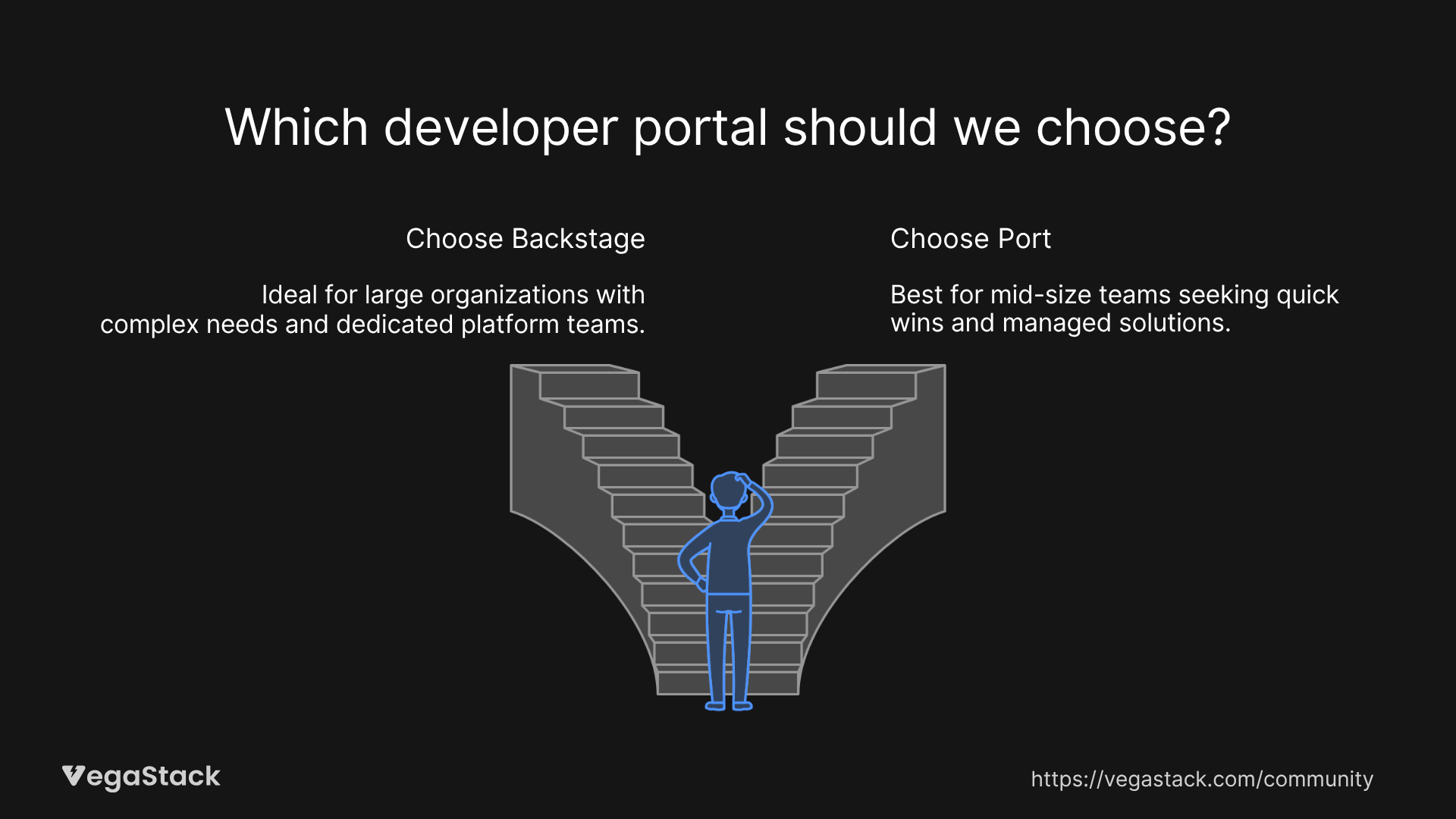
Large engineering organizations with dedicated platform teams benefit most from Backstage. If you have 100+ developers and complex service architectures, the customization capabilities justify the implementation cost.
Teams with unique workflows or specialized tooling need Backstage's flexibility. We've seen success with companies that have custom deployment processes, regulatory requirements, or extensive legacy systems.
Engineering-first cultures where developers drive tool adoption work well with Backstage. If your team enjoys building and customizing tools, Backstage provides the perfect foundation.
Choose Port When:
Mid-size teams (10-100 developers) who want quick wins should consider Port. The rapid deployment and immediate value delivery make it ideal for teams under pressure to improve developer experience.
Organizations with limited platform engineering resources benefit from Port's managed approach. Instead of building and maintaining infrastructure, teams can focus on configuring workflows and processes.
Companies that need to demonstrate ROI quickly find Port's approach compelling. The faster time-to-value and predictable costs make it easier to justify to leadership.
Migration and Implementation
Backstage Implementation Path
Plan for a 3-6 month implementation timeline. You'll need to set up hosting infrastructure, configure authentication, and integrate with existing tools. Start with a small pilot team and gradually expand adoption.
The biggest challenge is plugin selection and configuration. We recommend starting with core plugins (catalog, docs, templates) before adding specialized integrations. Budget significant time for customization and testing.
Port Implementation Path
Port implementations typically complete within 2-4 weeks. The onboarding process includes data import, workflow configuration, and user training. Most teams see immediate value from the service catalog and scorecards.
Integration work focuses on connecting Port's APIs with your existing tools. The no-code approach means platform engineers can handle most configuration without developer involvement.
Migration Considerations
Moving from Backstage to Port requires exporting catalog data and rebuilding workflows in Port's interface. The process is manageable but requires planning around the different data models.
Port to Backstage migration is more complex due to the customization requirements. You'll need to rebuild automations as plugins and recreate any custom workflows.
Decision Framework
Key Questions to Ask:
How much engineering time can you dedicate to platform development? Backstage requires ongoing investment, while Port minimizes engineering overhead.
What's your timeline for seeing results? Port delivers immediate value, while Backstage requires months of development before showing significant impact.
How important is customization versus standardization? Backstage enables unlimited customization, while Port encourages standard workflows and processes.
Evaluation Approach
Start with a pilot program using real services and workflows. Both platforms offer trial options, but make sure to test with production-like data and use cases.
Involve multiple stakeholders in the evaluation, developers, platform engineers, and end users all have different perspectives on what makes a good developer portal.
Consider the total cost of ownership over 2-3 years, including engineering time, infrastructure costs, and ongoing maintenance.
Bottom Line: Making the Right Choice
Backstage vs. Port comes down to your team's priorities and resources. Backstage wins when you need deep customization and have the engineering resources to support it. Port excels when you want rapid deployment and minimal maintenance overhead.
For most teams, we recommend starting with Port to get immediate value and learn what your developers actually need from a portal. You can always migrate to Backstage later if customization requirements grow beyond Port's capabilities.
The developer portal market is maturing rapidly, and both platforms continue evolving. The key is picking the solution that matches your current needs while positioning you for future growth.
Don't underestimate the importance of organizational buy-in. The best technical solution means nothing if your team won't adopt it. Consider your team's culture, technical capabilities, and appetite for complexity when making the final decision.